
A budget app that never asks for your bank password
Updated
Fullgrove fills your ledger from records you already get: card statement PDFs, receipts, e-invoices, bank files and Apple Pay taps recorded through a Shortcut. It has no bank login and never asks for online banking credentials. The statements and receipts you share are read on your iPhone.
A private budget app by design
- There is no bank login. Fullgrove never asks for a bank password or token.
- The statements and receipts you share are read on your iPhone. Text recognition and the matching of rows run there.
- Some reading can go to Apple's Private Cloud Compute as single requests, such as a statement line the rules could not read or a category for a new entry. It is on by default on iOS 27 where Apple's model is available, and its switch is in Settings › Privacy and security.
- Statement passwords stay in the Keychain behind Face ID.
- Settings › Privacy and security › Network log lists the hosts the app contacted and why, so you can check.
Why skip bank linking
- No bank password or token held by a third party.
- Nothing to re-link when a connection breaks.
- Works for banks and countries that aggregators don't cover.
What you give up, and how Fullgrove covers it
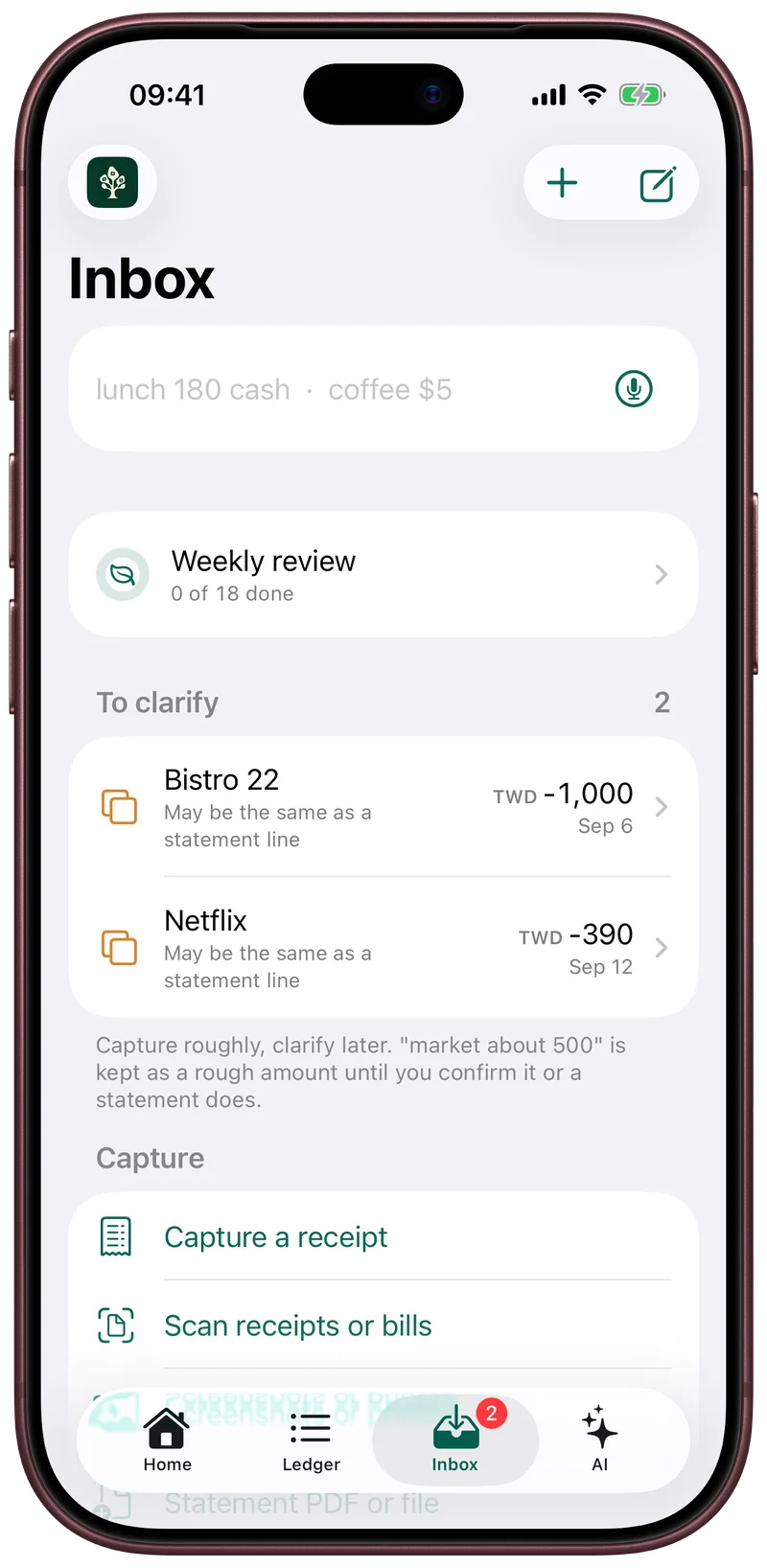
Without a live bank feed, new spending arrives when you record it. Fullgrove closes the gap three ways: a Shortcut logs each Apple Pay tap as it happens, a typed line like “lunch 180 cash” is filed as you type, and the monthly card statement confirms everything at once. When an alert and a statement line describe the same purchase, they merge into one row.
How a statement is read
For a statement layout it has not seen, a model picks which lines are transactions: Apple's model on your iPhone, or Private Cloud Compute when that is on. Code reads every date and amount from those lines, and the reading is kept only when it matches the statement's printed totals.
What comes in
- Card statement PDFs, locked ones too. The password stays in your Keychain.
- Receipts from the camera, Photos or Files.
- Bank files: CSV, Excel, QIF, OFX, QFX, CAMT.053 and MT940.
- Exports from 11 other money apps, including Mint and YNAB.
Log Apple Pay taps automatically
- Tap to payApple Pay, as usual
- Shortcut runsNo app to open
- A row appearsAmount, shop, card
- Statement confirmsMatched when it arrives
- Open Shortcuts. In Library, tap Automation, then +.
- Tap Edit at the top right, choose Automation, and scroll to Wallet.
- Search for Apple Pay and add Log Apple Pay Tap from Fullgrove.
- Tap Amount, Merchant and Card or Pass in turn: Select Variable, then Transaction, then the matching item. There is nothing to save. Each tap becomes a row.
On iOS 26 or earlier: open Shortcuts, tap Automation at the bottom, New Automation, Wallet, Run Immediately, then add the same action and fill the three fields from Shortcut Input.